Four stages turn a stream of coordinates into wayfinding, storytelling, family finder and live operator insight.
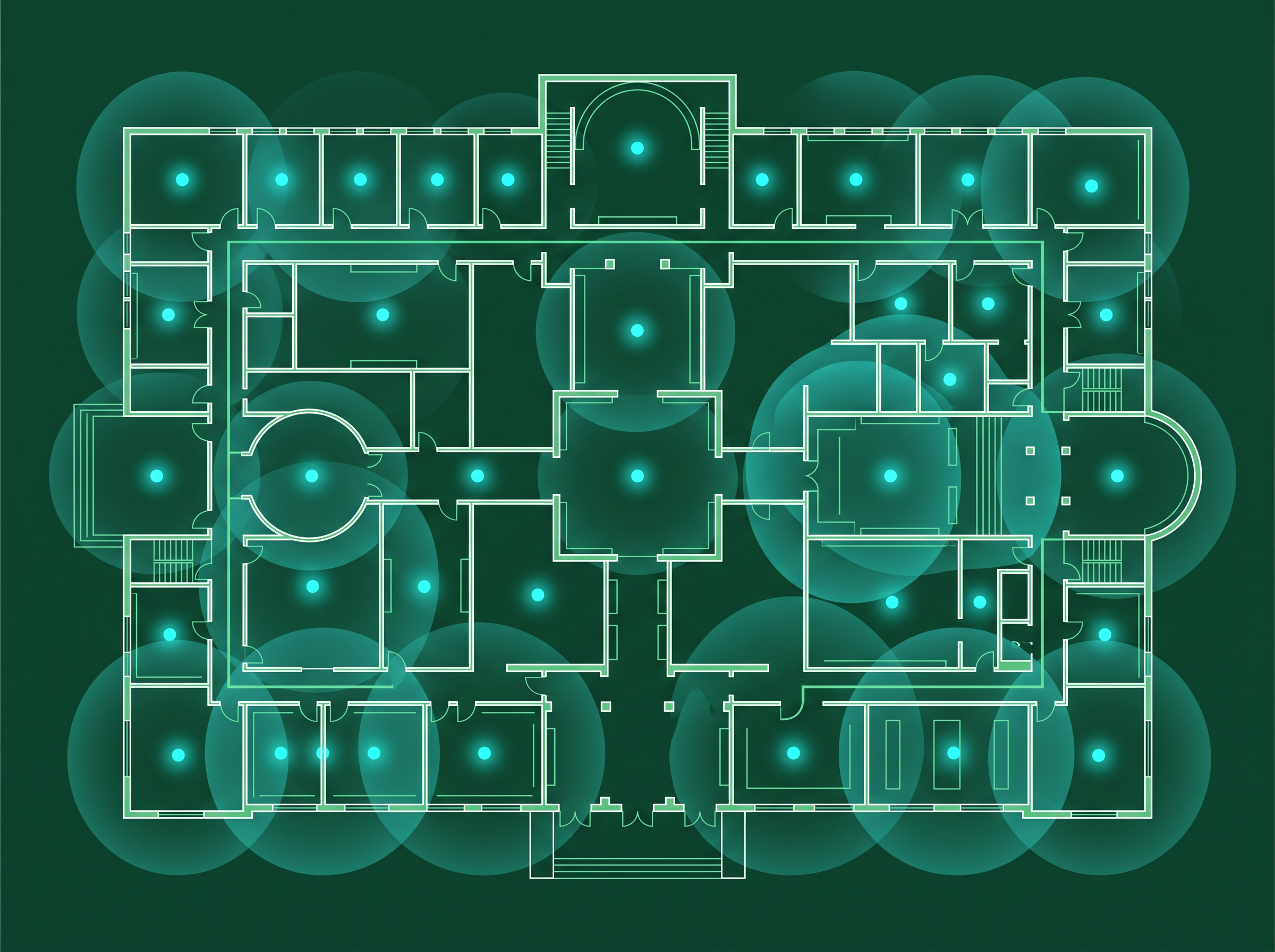
UWB and BLE anchors and gateways are installed across the venue. Smart wristbands or badges, and the visitor's own smartphone, act as the moving points the system tracks.
Coverage is planned zone by zone, so precision matches what each space actually needs.
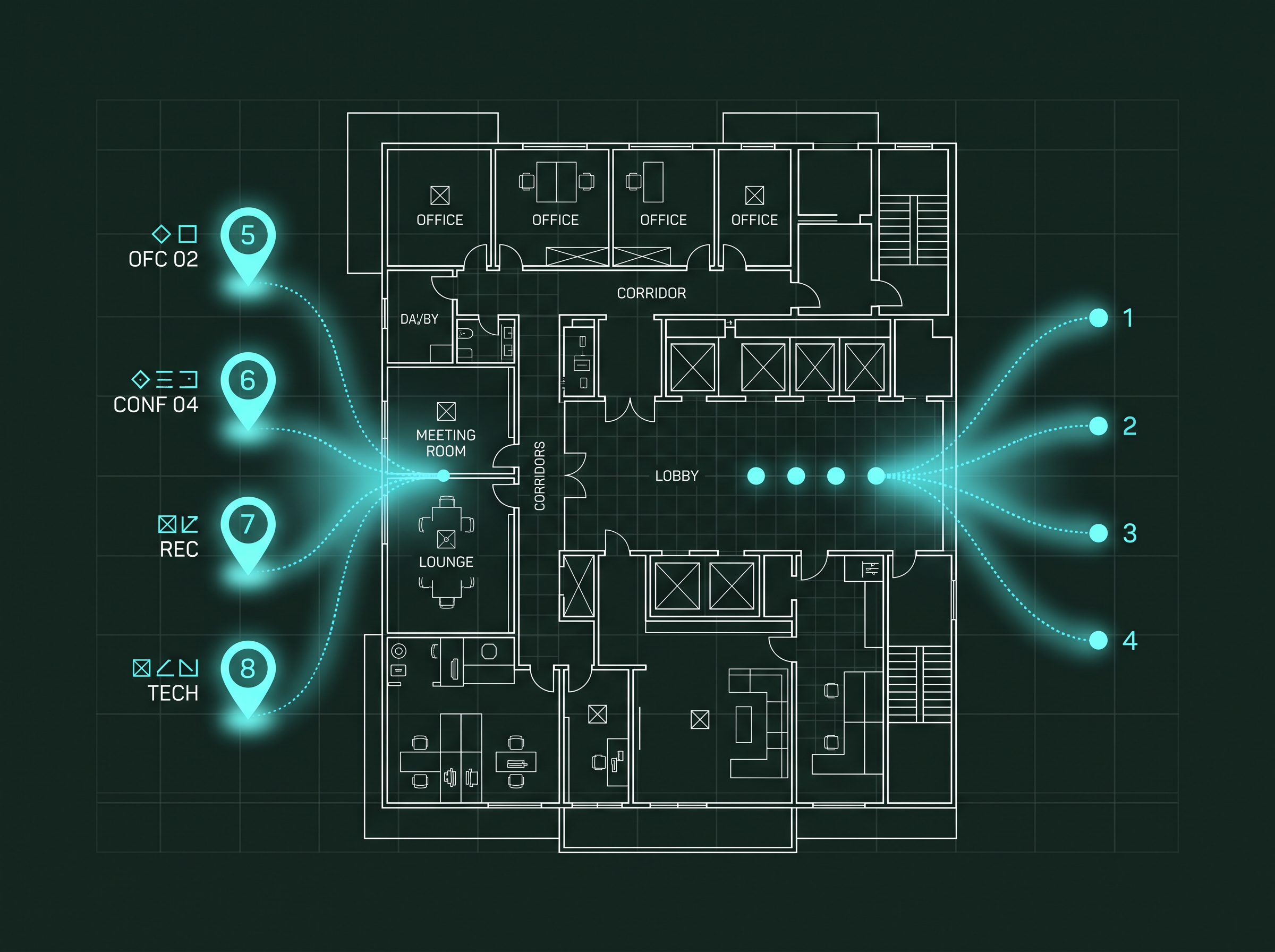
Raw positions are matched to opted-in visitor profiles, ticket types and permissions, in real time. A dot on a map becomes a labelled, permissioned presence.
Nothing personal is resolved unless the visitor has opted in to that layer of the experience.
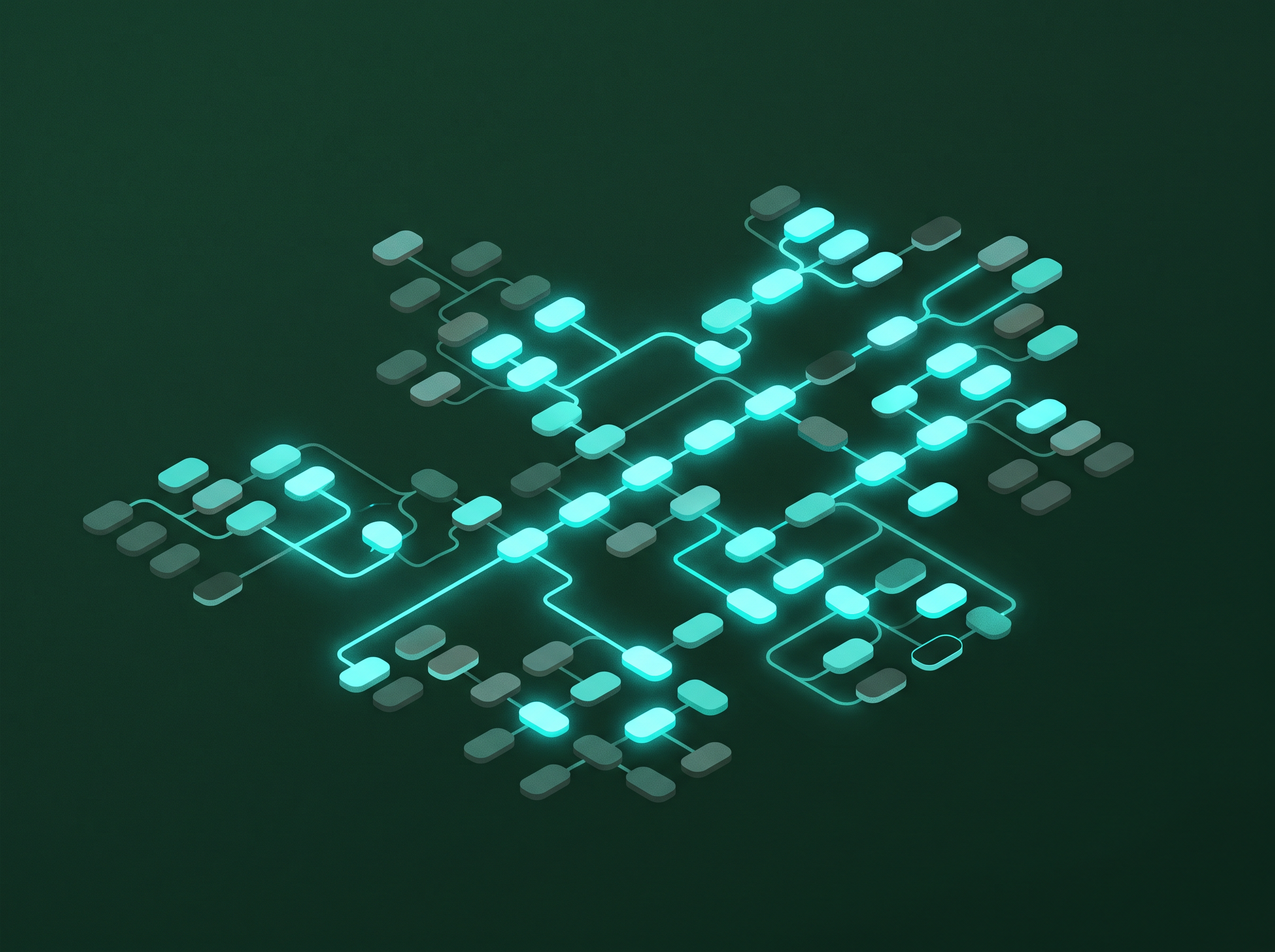
The contextual intelligence layer reads proximity, dwell time, direction of travel, group membership and the venue's own rules to decide what matters right now.
This is the layer that separates a simple location ping from a genuinely useful moment.
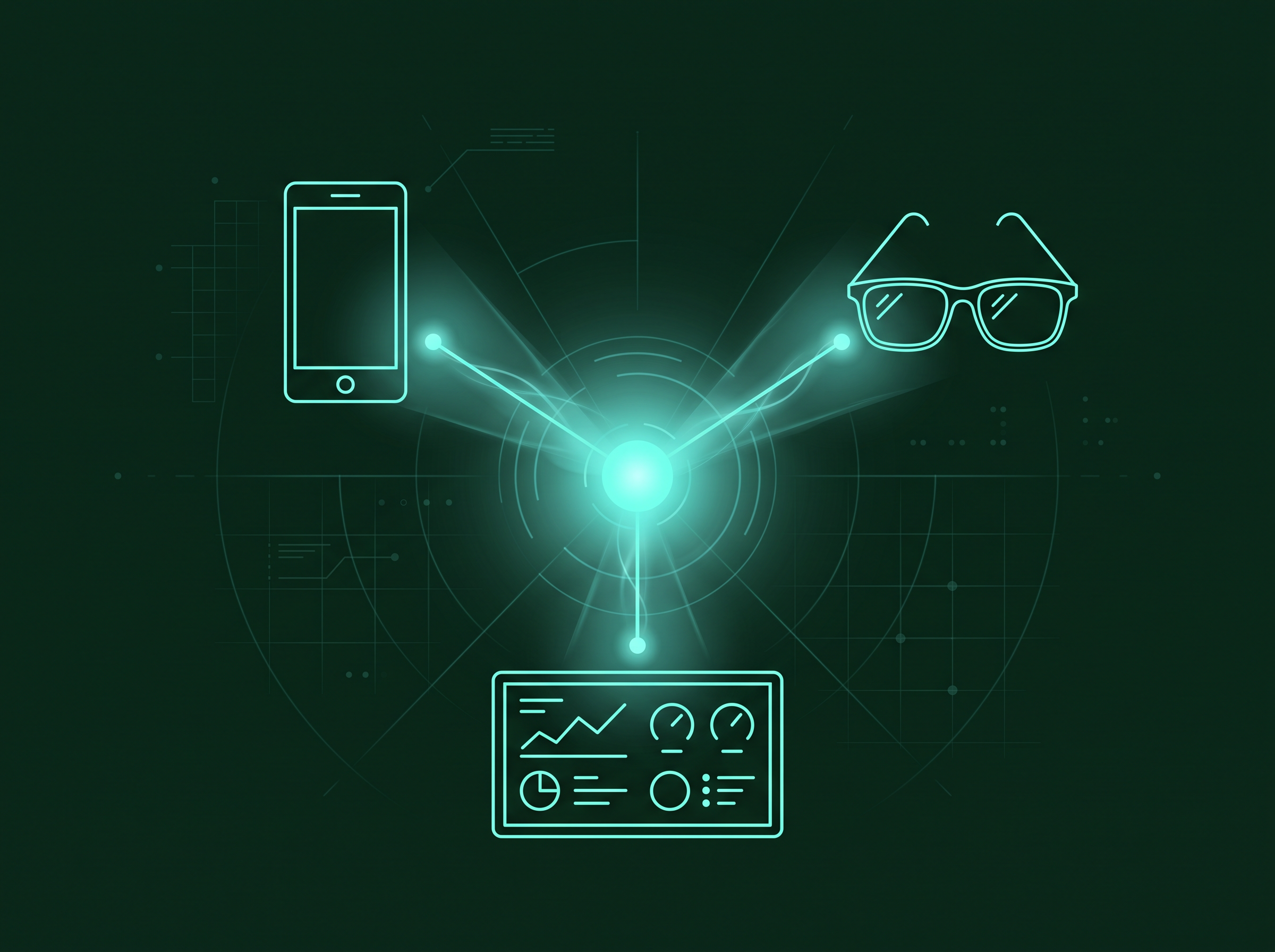
The output reaches three surfaces: the visitor's mobile companion app, an optional AR glasses overlay, and the operator dashboard.
Each surface receives only what is relevant to it, at the moment it becomes useful.
Five layers, each doing one job well, from physical hardware through to the dashboards your team lives in.
UWB and BLE anchors and gateways installed across the physical space.
Raw signal data is converted into precise, continuously updated coordinates.
Rules, dwell logic and group awareness decide what each moment means.
The mobile companion app, AR overlay and operator dashboard surfaces.
Aggregated, anonymised data powers reporting and long-term trend analysis.
Hardware is chosen for portability. Heritage buildings and listed sites are a common deployment context, not an exception.
Compact, low-profile units mounted with minimal structural work.
Optional wearables for venues that prefer not to rely on a personal phone.
AR glasses for staff or premium visitor experiences where warranted.
Supporting kit for venues issuing shared wearable devices.
Hosted infrastructure with configurable data residency options.
Floor plans, materials and existing systems are assessed.
Anchors, gateways and backend connections go live.
Storytelling, routing and rules are authored for each zone.
A defined visitor cohort tests the experience end to end.
Results are reviewed, then the deployment expands venue wide.
Connects visitor entry data to positioning without duplicate systems.
Curators update storytelling content without engineering support.
Links flow and dwell data to retail and food and beverage performance.
Feeds aggregated engagement signals into existing visitor relationship tools.
Shares live wait data with any existing queueing or virtual queue system.
Pushes live wait times and routing updates onto existing venue screens.
Every venue type uses the same four stages differently. The next page shows what that looks like in practice.
 Experiatyca